All tools
3DG PhotoMatch

3DG PhotoMatch

plugin for SketchUp

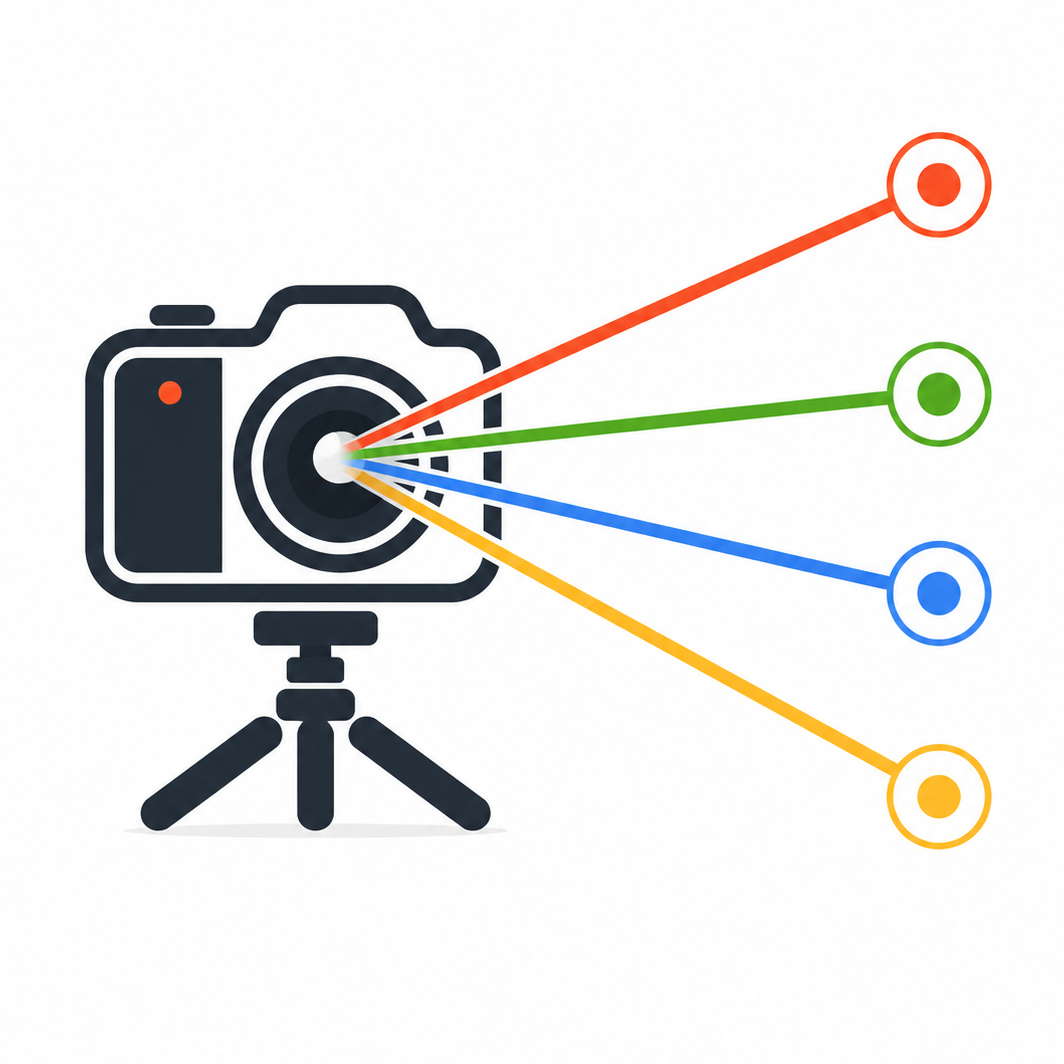
Mark the points, click a button: in seconds SketchUp's camera aligns perfectly to your photograph.

A completely new approach to camera matching. No vanishing points, no manual adjustments. Just corresponding points, one click and a result that speaks for itself. Ease of use, speed of execution and extraordinary precision.

€49 (before local taxes) Perpetual license

Try all features free for 10 days, no limits and no credit card required. If it works for you, purchase the perpetual license: pay once and it's yours forever!

Who is it for

Architects Designers working on existing buildings who need to align the 3D model to real photographs
Surveyors Technicians performing photographic surveys who need precise camera calibration
3D Visualization Architectural rendering professionals who need to insert 3D models into photographs (photo insertion)
3D Operators Anyone working with compositing, photo insertion or matte painting who needs to place 3D elements in a photographic scene with correct perspective

Comparison with SketchUp's Match Photo

Match Photo is a solid tool built into SketchUp. 3DG PhotoMatch offers a different approach, better suited for those who need speed and precision in their daily work.

Match Photo SketchUp 3DG PhotoMatch
Calibration method Manual axis alignment to vanishing points Click on corresponding photo-model points, computation is automatic
Minimum references 2 vanishing points + origin 4 points anywhere, well distributed in the scene
Focal length Set manually or estimated by eye Calculated automatically with optimization
Precision feedback Visual, at the operator's judgment Numeric reprojection error in real time
Correction and adjustment Manual axis realignment Drag the points and recalculation is instant
Learning curve Requires understanding of vanishing points and perspective Just identify recognizable points in the photo and model

How it works

Screenshots coming soon.

Workflow

1. Photo Load a photograph of the building or real scene
2. Points Identify at least 4 recognizable points visible both in the photo and the 3D model
3. Matching For each point, click on the photo for the 2D reference, then on the corresponding 3D point in SketchUp's viewport
4. Compute The plugin automatically computes the optimal camera, including focal length
5. Result The calibrated camera is saved as a SketchUp scene with the photo as Match Photo background

License

Free trial 10 days with all features active, no credit card required
Price €49.00 (before local taxes)
Type Perpetual single-seat license — pay once and it's yours forever, future updates included
Purchase Secure payment via Paddle (credit card, PayPal)

System requirements

SketchUp SketchUp 2017 or later
Operating system Windows 10 / 11
Connection Internet connection required for use
Installation RBZ file — install from SketchUp Extension Manager, no additional dependencies